Encrypts your traffic
Your internet provider and anyone on the same network see only scrambled data heading to a VPN server, not the sites you open or what you type.
VPN for WINDOWS encrypts everything your PC sends and receives, hides your IP address from the sites you visit, and keeps you safe on café, hotel and airport Wi-Fi.
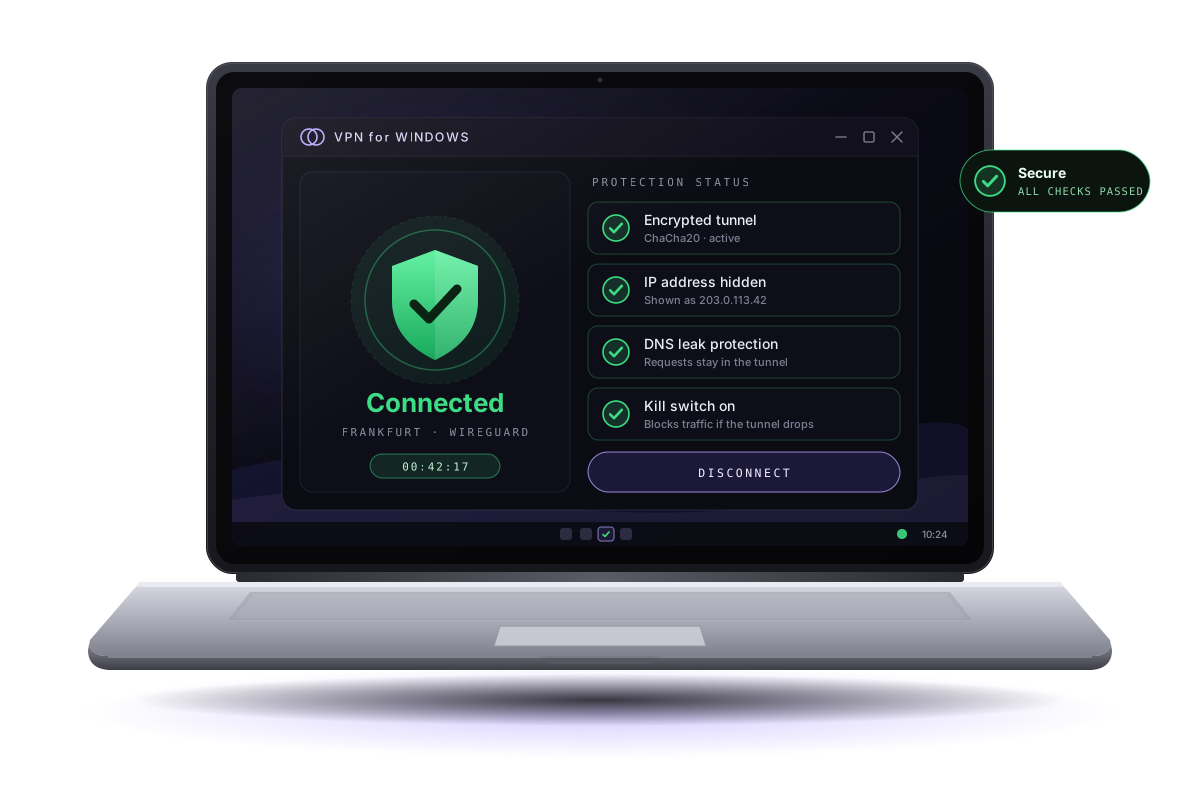
A VPN (virtual private network) creates an encrypted tunnel between your PC and a VPN server. Here is what that changes for you.
Your internet provider and anyone on the same network see only scrambled data heading to a VPN server, not the sites you open or what you type.
Websites see the IP address of the VPN server instead of yours, which makes it harder to link your visits to your home connection or location.
On open hotspots, other people on the network cannot read or tamper with your traffic, because it is encrypted before it leaves your laptop.
Honest limits: a VPN is not antivirus and does not make you anonymous. It does not stop phishing, malware or tracking through accounts you sign in to. Keep Windows Security turned on and Windows Update current alongside it.
This is a live mock-up of the VPN for WINDOWS main screen. Pick a location and press the round button. In the real app the same four checks confirm that you are protected.
Status: Not connected
Demo only · addresses shown are reserved example ranges
VPN for WINDOWS lives in the system tray, starts with Windows if you want it to, and shows its status in the Windows network settings like any other VPN connection.
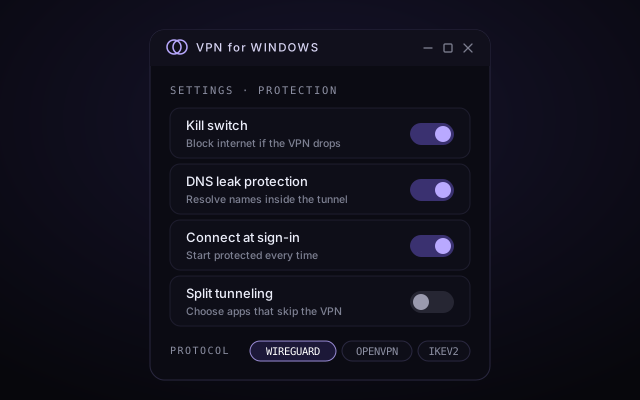
Run the setup wizard, approve the Windows permission prompt, then open the app from Start.
Step 03The nearest server usually gives the fastest connection.
Step 04Press the round button. The ring turns green in a second or two.
Step 05Four green checks mean the tunnel, IP, DNS and kill switch are all working.
Follow the illustrated guide and have VPN for WINDOWS protecting your PC in a couple of minutes.
VPN for WINDOWS